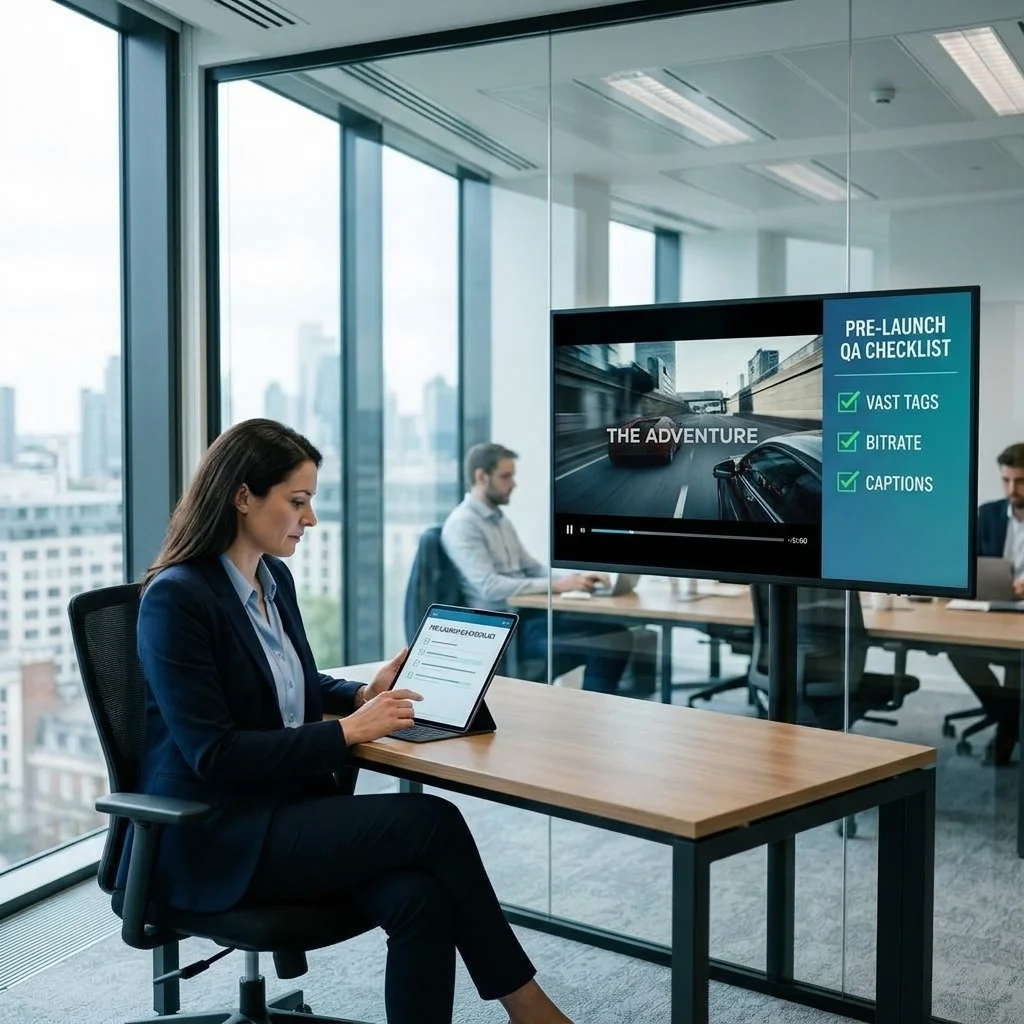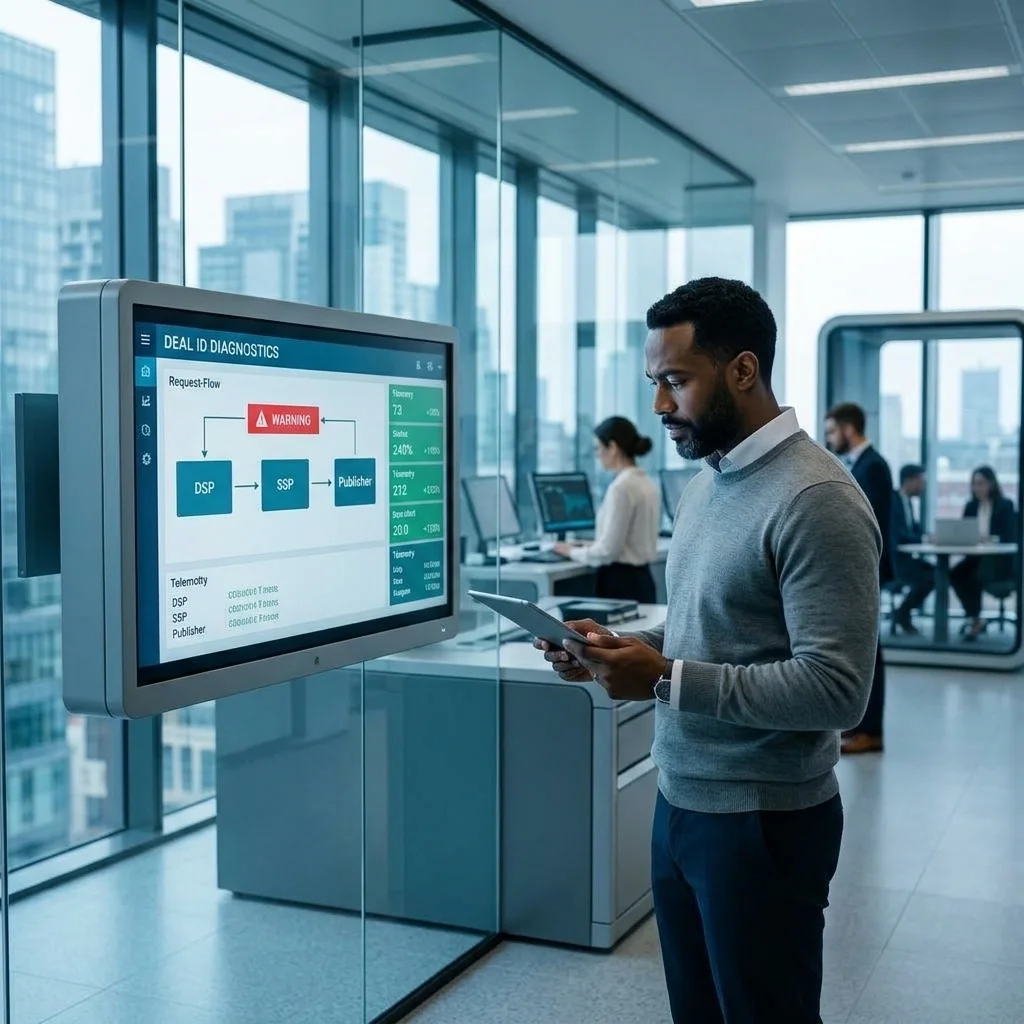


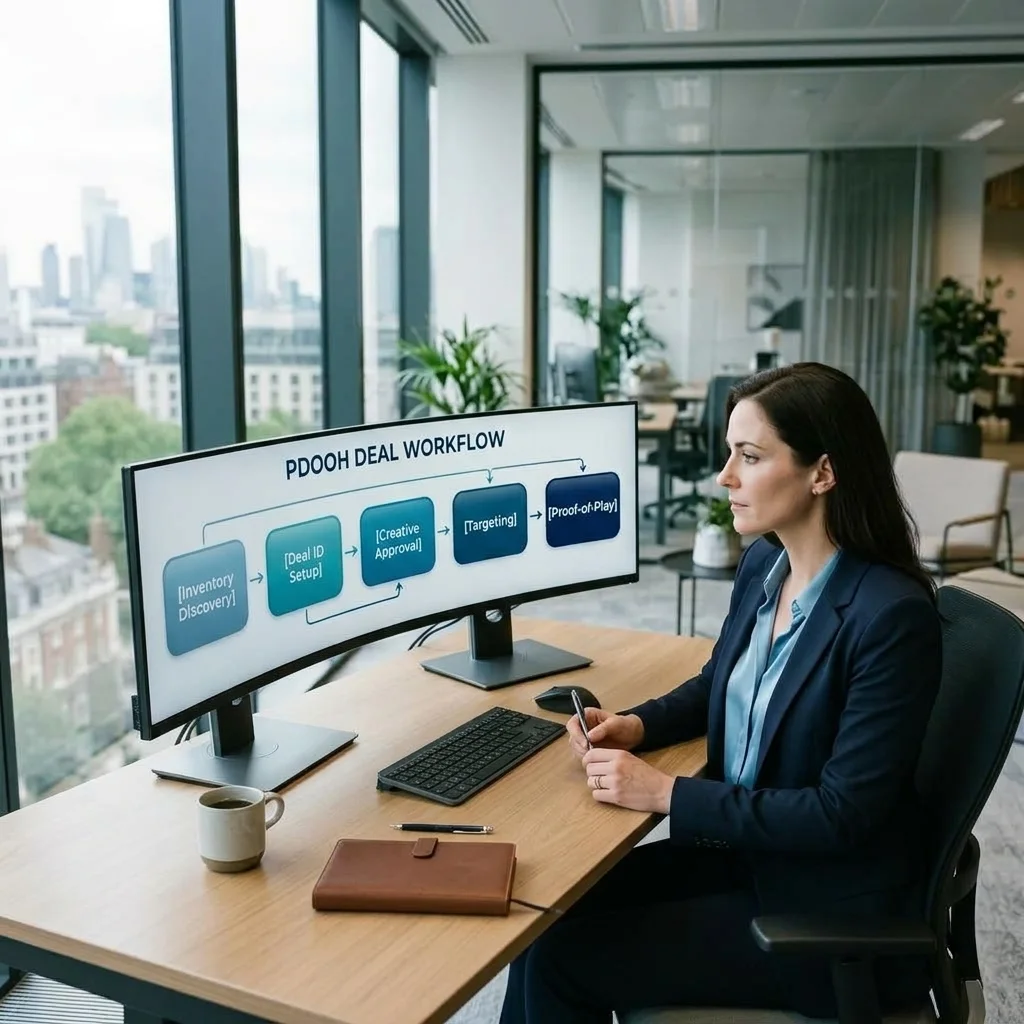
A programmatic DOOH deal rarely fails because the technology is exotic. It fails in the same three places every time: the venue data doesn't match what actually happens on the screen, the deal gets set up as an open auction when it should have been a PMP (or vice versa), and nobody checks proof-of-play until the campaign is already three weeks into flight. If you've bought standard digital programmatic before, pDOOH will feel about 70% familiar and 30% completely different — and that 30% is where most trafficking mistakes happen.
The short answer: buying programmatic DOOH means discovering venue-level inventory through a DOOH-focused SSP, choosing between a PMP deal (negotiated access to specific screens or networks at a fixed price) or the open exchange (auction-based, broader reach, less control over exact placement), building creative to loop-length and orientation specs instead of standard banner or video sizes, trafficking against venue, network, and daypart targeting rather than cookies or device IDs, and reconciling delivery against proof-of-play logs instead of standard ad server impression counts. Get the venue data and deal type right at the start, because every downstream step depends on it.
1Finding and Vetting pDOOH Inventory
DOOH inventory discovery starts with a DOOH-specific SSP or exchange — names like Vistar Media, Place Exchange, Broadsign, Hivestack, and VIOOH show up constantly in RFPs, and each aggregates a different mix of venue types. Before you build a plan, pull the venue taxonomy the SSP uses (most map to something close to the OpenOOH categorization — transit, airports, gas stations, retail, gyms, office lobbies, street furniture, place-based health) and match venue context to campaign objective. A commuter transit screen and a gym screen both reach adults, but the mindset, dwell time, and creative tone that work in each are completely different.
For every screen or network you're considering, check three things before it goes on the plan: screen count versus estimated impressions (impressions in DOOH are modeled from audience measurement multiplied by plays, not counted directly like a served digital ad), average dwell time in front of the screen, and whether the network actually supports proof-of-play reporting at the granularity you need. Some smaller networks will quote you a screen count and audience estimate but can't produce a play-level log after the fact — that's a dealbreaker for any campaign where a client will ask "prove it ran." Also confirm screen resolution and native aspect ratio at this stage; you'll need it later for creative, and finding out during trafficking that a network runs portrait when your plan assumed landscape wastes a week.
This is also where programmatic media buying discipline matters most in DOOH — because unlike open web display, where near-identical inventory is fungible across dozens of exchanges, a specific transit station or a specific highway billboard is genuinely unique. You're not just picking an audience segment, you're picking a physical location, and there's no substitute for someone on the buying side who actually knows the venue.
2Choosing Between PMP and Open Exchange Deals
Once you know which venues matter, the next decision is deal type, and it's not just a pricing question — it changes how much control you have over placement. A private marketplace (PMP) deal gets you a negotiated deal ID with fixed or floor pricing, guaranteed access to specific screens or networks, and terms you can actually enforce, like minimum share of voice (SOV) in the loop or exclusivity against a competing category. Open exchange buying is auction-based: you set targeting parameters and a bid strategy, and you win whatever inventory clears within those parameters across a much broader pool of screens, with less visibility into exactly which loop position or screen you landed on until the campaign is already running.
In practice, use a PMP when the placement itself is part of the message — a launch campaign that needs a specific landmark screen, a category-exclusive placement inside a retail network, or any deal where a client wants to be able to say "we were on that screen." Use open exchange when the goal is broad geofenced reach at efficient CPMs — for example, hitting every screen within a radius of a store footprint during a promotional window, where which exact gas station or convenience store screen fires the ad matters less than aggregate reach and frequency across the geography.
Under the hood, DOOH deal IDs work the same way they do in standard programmatic: the SSP generates a deal ID, you plug it into the buying platform's PMP deal field, and both sides have to agree on price, targeting, and flight dates before the deal shows "active" on both platforms. The main technical difference is that the OpenRTB bid request carries a DOOH-specific object with venue, screen, and audience-count fields that don't exist in a standard display or video bid request — this was formalized when the IAB Tech Lab integrated DOOH into the OpenRTB spec, which is worth reading if your trafficking team is troubleshooting why a deal isn't returning bids. If you're used to standard campaign trafficking workflows, the deal-ID mechanics will feel familiar even though the targeting payload underneath it looks different.
3Creative Specs and Dynamic Content Triggers Unique to DOOH
DOOH creative specs diverge from standard digital video in ways that trip up teams coming from a web or app background. Loop lengths run shorter than typical pre-roll — commonly 6 to 15 seconds, occasionally up to 30 for premium placements — because the creative has to land its message in a single pass of a loop shared with other advertisers, not a captive viewing session. Orientation isn't a given either: portrait screens are common in retail, elevators, and transit, while landscape dominates highway and billboard-style placements, and building one asset and assuming it'll letterbox correctly on the other format is a reliable way to get a creative rejected at QA.
File specs generally call for MP4 (H.264) matched to the screen's native resolution, with a static JPG or PNG fallback required by most networks for screens or CMS configurations that don't support video. Keep an eye on safe margins for screen bezels and mounting hardware, and check whether the network enforces flashing/strobing limits — many do, both for accessibility and because some venues (transit authorities especially) have their own content-safety review on top of the ad platform's.
The other piece that has no real equivalent in standard trafficking is dynamic creative triggered by real-world conditions: weather-based creative swaps (serve the umbrella or hot-drink variant when a weather API feed crosses a threshold), time-of-day dayparting (a breakfast creative in the morning commute window, a different message for the evening drive), and geofenced messaging that varies by venue type even within the same buy. These are configured as rules inside the DSP's dynamic creative module or a third-party DCO tool feeding into the ad tag, and they need to be tested end-to-end before launch — not just "does the rule fire," but "does it fire fast enough" given that weather and time triggers introduce latency between the data feed and the screen actually updating. This is squarely creative operations territory, and it's worth building in a QA pass specifically for trigger logic rather than assuming it'll behave like a standard dynamic display ad.
4Trafficking the Campaign: Targeting, SOV, and Frequency Without Cookies
DOOH trafficking has no cookies, no device IDs, and no individual-level frequency capping in the way a display or CTV trafficker would expect. Instead, exposure is managed at the aggregate level through two levers: geofenced or venue-based targeting (by network, venue category, screen ID list, or radius around a point), and loop rotation — expressed as share of voice. If you negotiate 1-in-6 rotation on a screen, you're buying roughly 16.7% SOV, and that's your practical equivalent of a frequency cap: it controls how often your ad appears relative to the total loop, not how many times a given person sees it.
When you traffic the line item or deal in the DSP, you're setting venue/network targeting, daypart schedules, SOV or impression-volume goals (impressions here are still modeled estimates, derived from audience measurement data multiplied by expected plays, not a hard served count), and any dynamic creative rules from the previous step. Pay close attention to how the DSP's pacing logic handles DOOH goals — some platforms pace against modeled impressions the same way they'd pace a standard display campaign, which can produce misleading "on pace" dashboards early in flight if the underlying audience model is off. Cross-check pacing against actual proof-of-play as early as day two or three, not at the midpoint of the flight.
If your team is running pDOOH trafficking alongside a broader programmatic and DOOH mix and finding the venue-level QA steps keep slipping through the cracks, a free ad-stack audit is a faster way to catch where the process is breaking than adding another manual checklist nobody follows under deadline pressure.
5Verification and Proof-of-Play Reporting
Proof-of-play (POP) is the DOOH equivalent of an ad server delivery log, and it works differently enough from standard programmatic reporting that it deserves its own line in the trafficking checklist. Each network's CMS logs the exact timestamp, screen ID, loop position, and duration for every play of your creative. That's a fundamentally different data shape than a served-impression count from a web or app ad server, and it's the only reliable way to confirm a DOOH campaign actually ran as bought — audience-modeled impression estimates are directional, POP logs are the record of what happened.
Reconciliation means comparing the DSP's reported (modeled) impressions against the publisher's POP logs and flagging discrepancies past whatever threshold you've agreed with the network — most contracts define an acceptable variance and a makegood process for anything beyond it. Third-party audience measurement bodies like Geopath provide the audience currency a lot of U.S. OOH buys are planned against, which is a useful independent check when a network's own impression estimates look inflated relative to its POP logs. Build this reconciliation into your standard reporting and analytics cadence rather than treating it as an end-of-campaign audit — catching a screen that's been down for three days in week one is a makegood conversation; catching it after the flight ends is a write-off.
6Common Mistakes That Derail pDOOH Campaigns
A handful of mistakes account for most of the pDOOH campaigns that underperform or generate client escalations. First, treating DOOH geotargeting like mobile geofencing — assuming device-level precision that simply doesn't exist in an aggregate, screen-based medium, and then being surprised when reach and frequency numbers don't tie out the way a mobile campaign's would. Second, skipping SOV negotiation and getting buried at the end of a long loop, which quietly tanks recall even when the impression count on paper looks fine.
Third, building creative at a generic resolution instead of the network's native screen resolution, which causes letterboxing or cropping that only surfaces once the campaign is live on-screen — always request a rendered preview or test play from the network before launch, not just a spec sheet confirmation. Fourth, leaving proof-of-play reconciliation until the end of the flight instead of checking it in the first few days, which turns a fixable delivery gap into an unrecoverable one. And fifth, underestimating the latency in dynamic triggers — a weather-based creative swap that takes twenty minutes to propagate isn't "dynamic" in any way a client will find credible if you promised real-time relevance.
Most of these are process gaps, not platform limitations — the same discipline that makes standard outsourced ad operations work well applies directly to pDOOH, it just needs to be adapted to a medium where the unit of delivery is a screen loop instead of a served impression. If you're weighing DOOH against its non-programmatic counterpart for a specific buy, our breakdown of DOOH versus pDOOH covers where each makes more sense.